Booking a ticket for a concert of the Geneva International String Academy takes just a few minutes, on a computer or a phone. Here are the steps.
1. Choose the concert
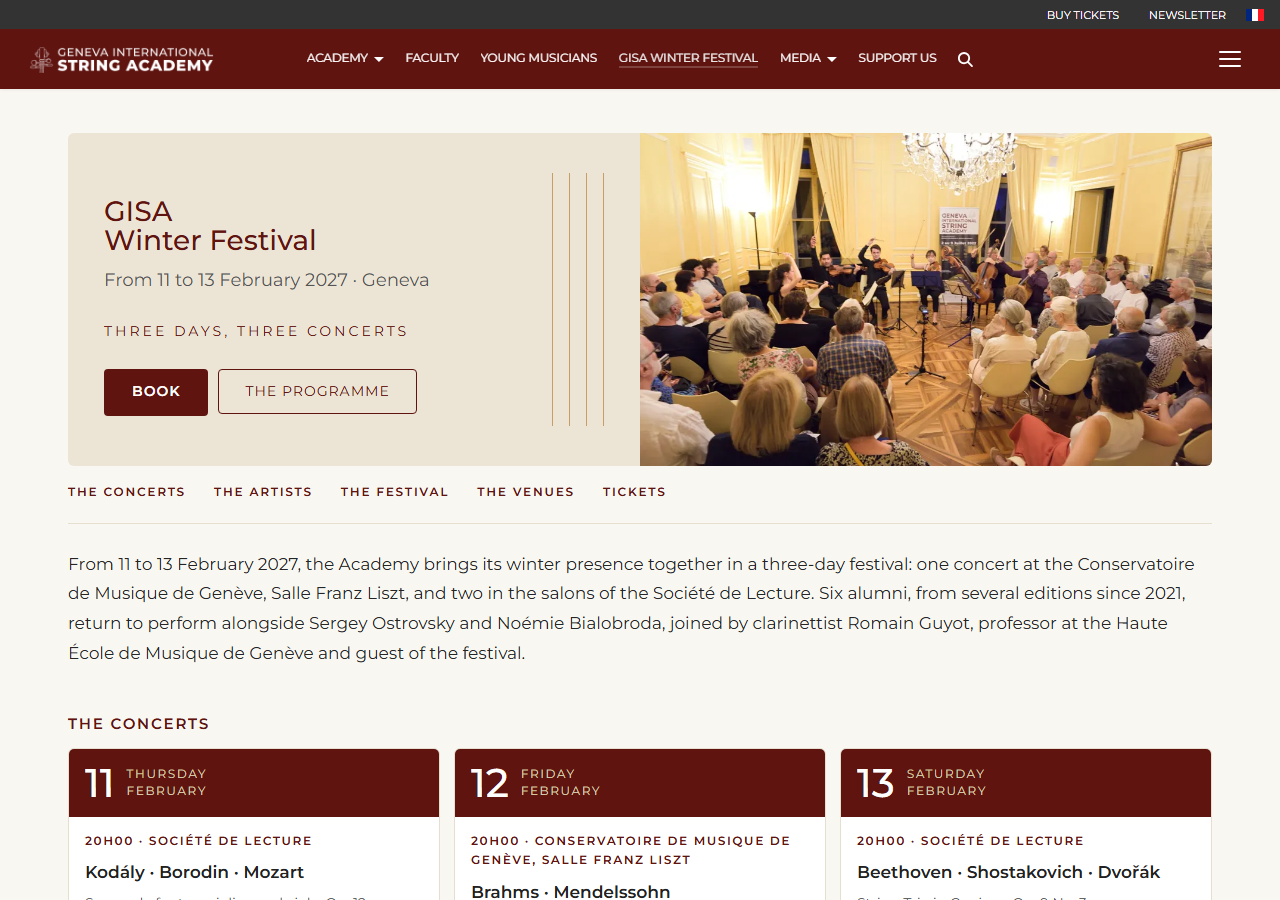
In the menu, open “GISA Winter Festival”. The concerts are listed under “The concerts”: click the one you are interested in.
2. “Book my ticket”
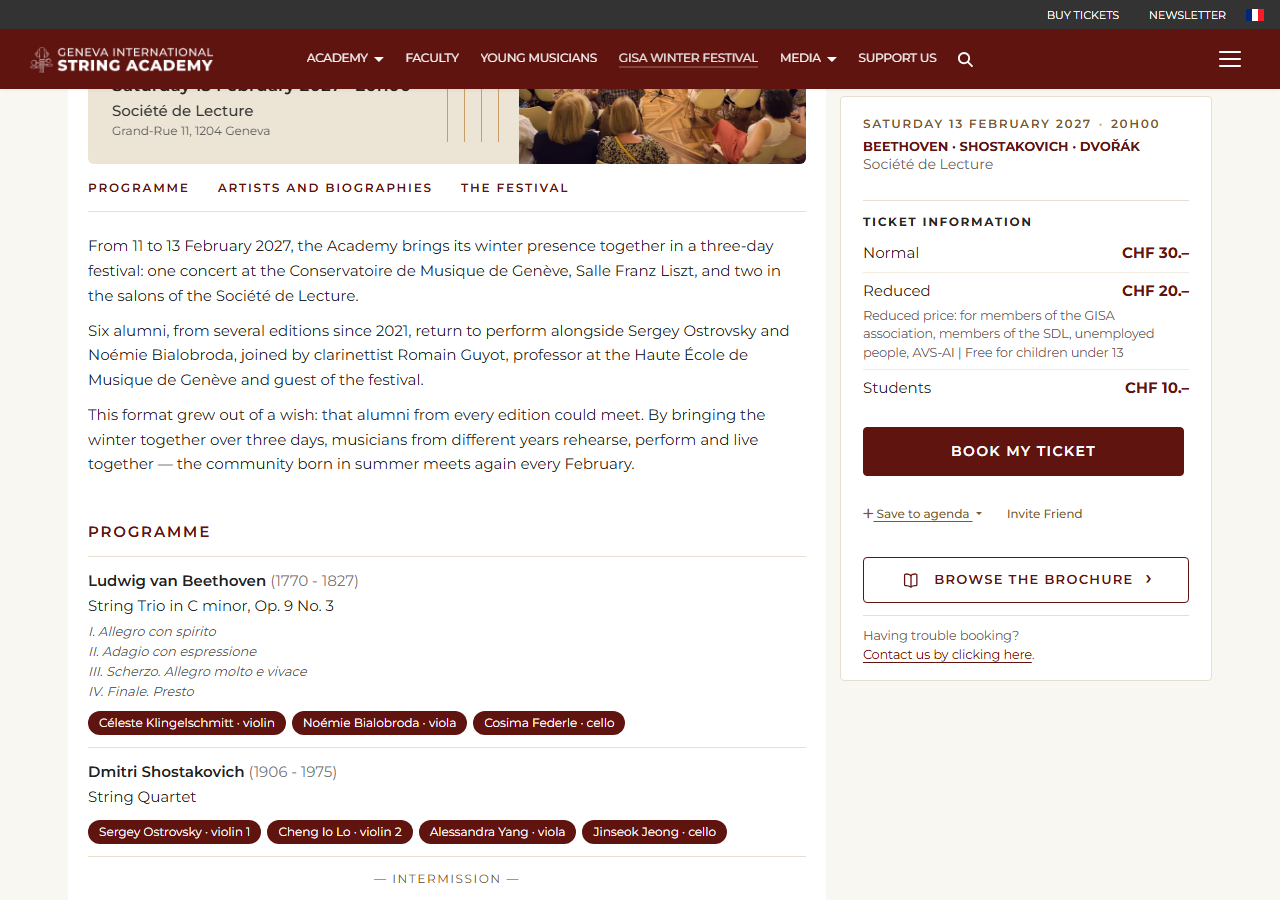
The concert page shows the date, the venue and the prices. Click “Book my ticket”.
3. The number of tickets
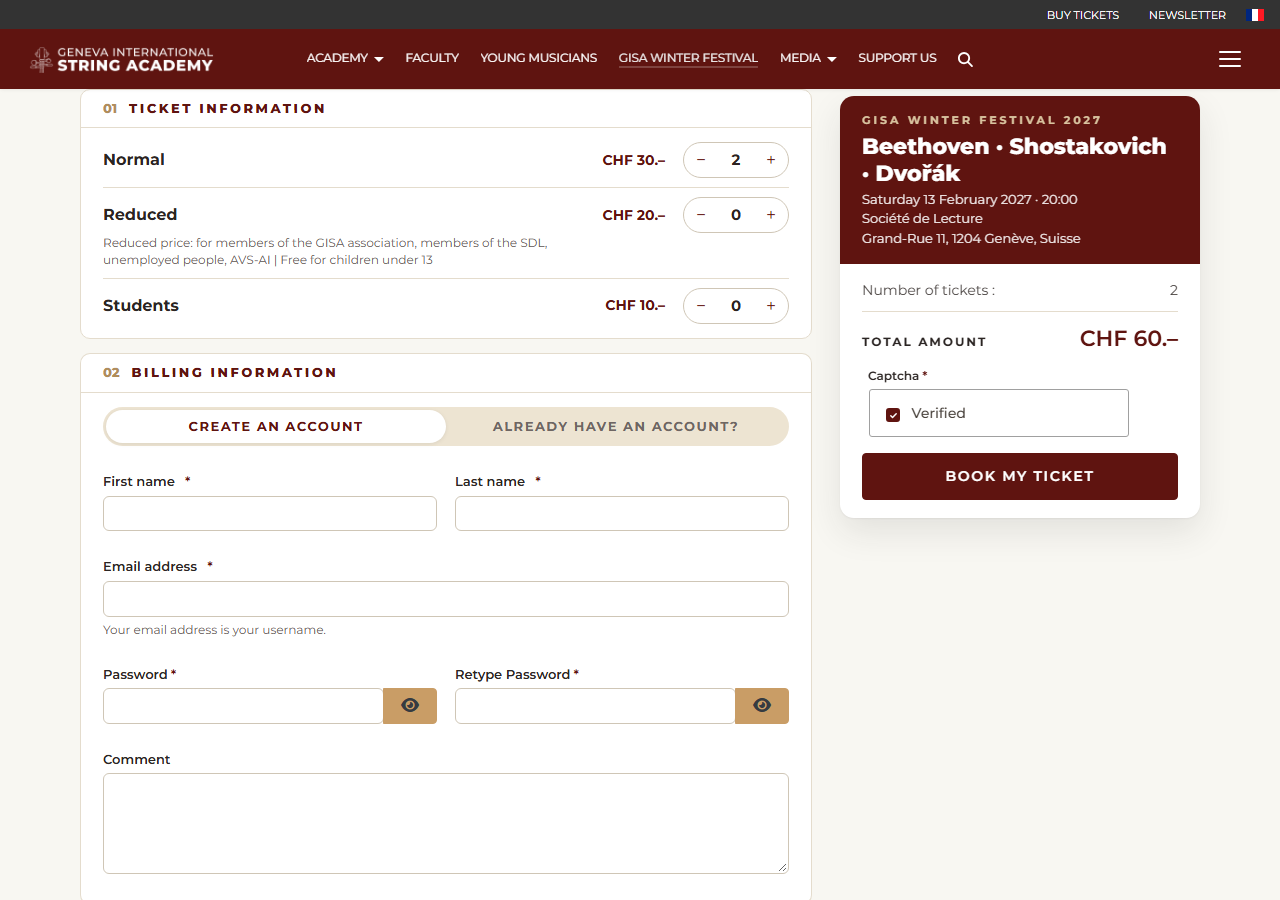
Under “Ticket Information”, add or remove tickets for each price with “+” and “−”. The conditions of the reduced price are shown under that price. The “Total amount” is calculated immediately, on the right of the screen.
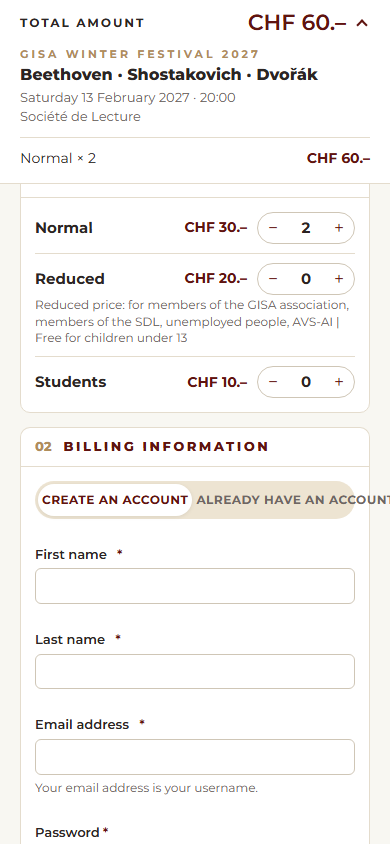
On a phone, the total amount stays at the top of the screen: tap it to see the details of your order.
4. Your details
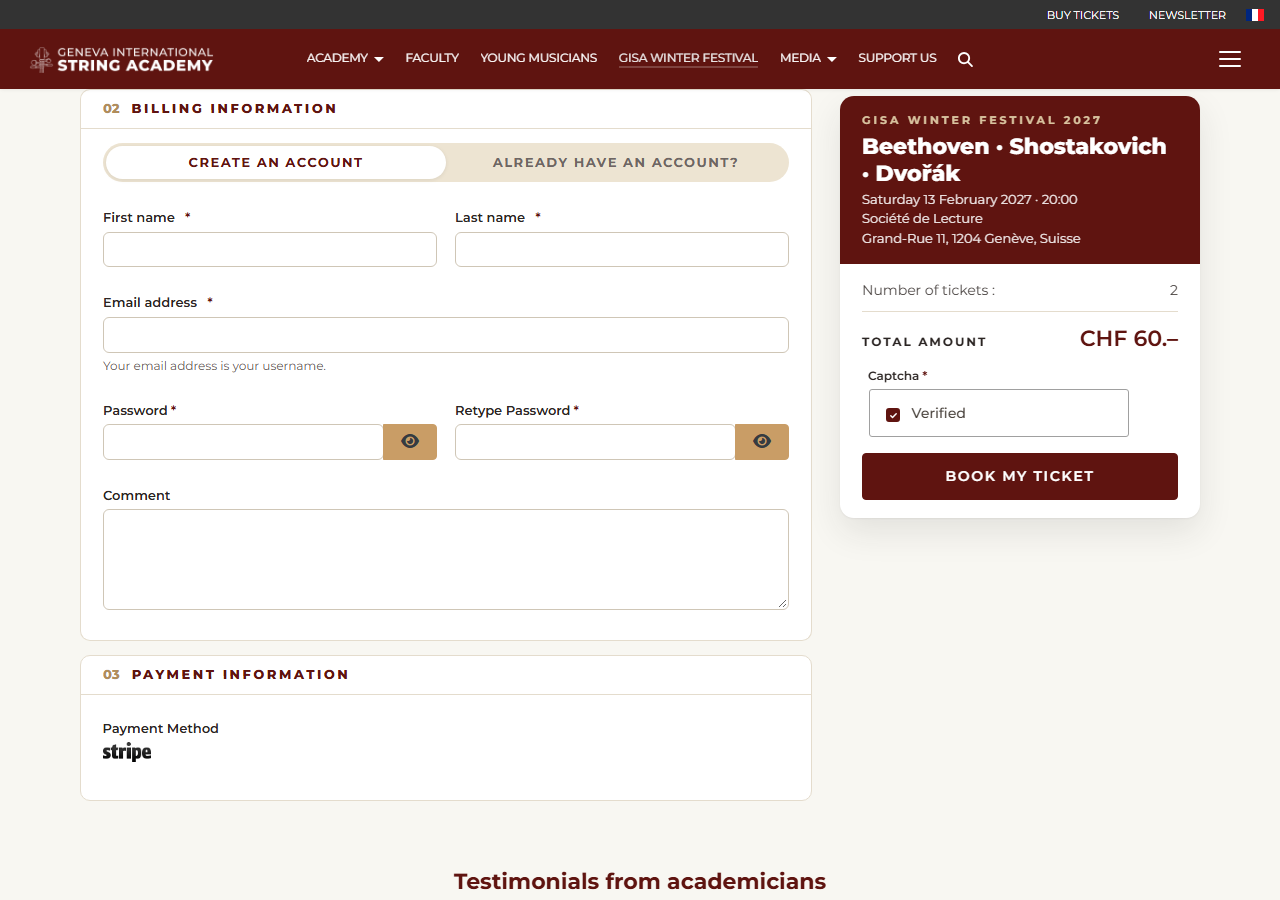
Under “Billing Information”, for a first booking, keep “Create an account” selected and fill in “First name”, “Last name”, “Email address” and “Password”. Your email address is your username; your account lets you find your bookings and your tickets at any time.
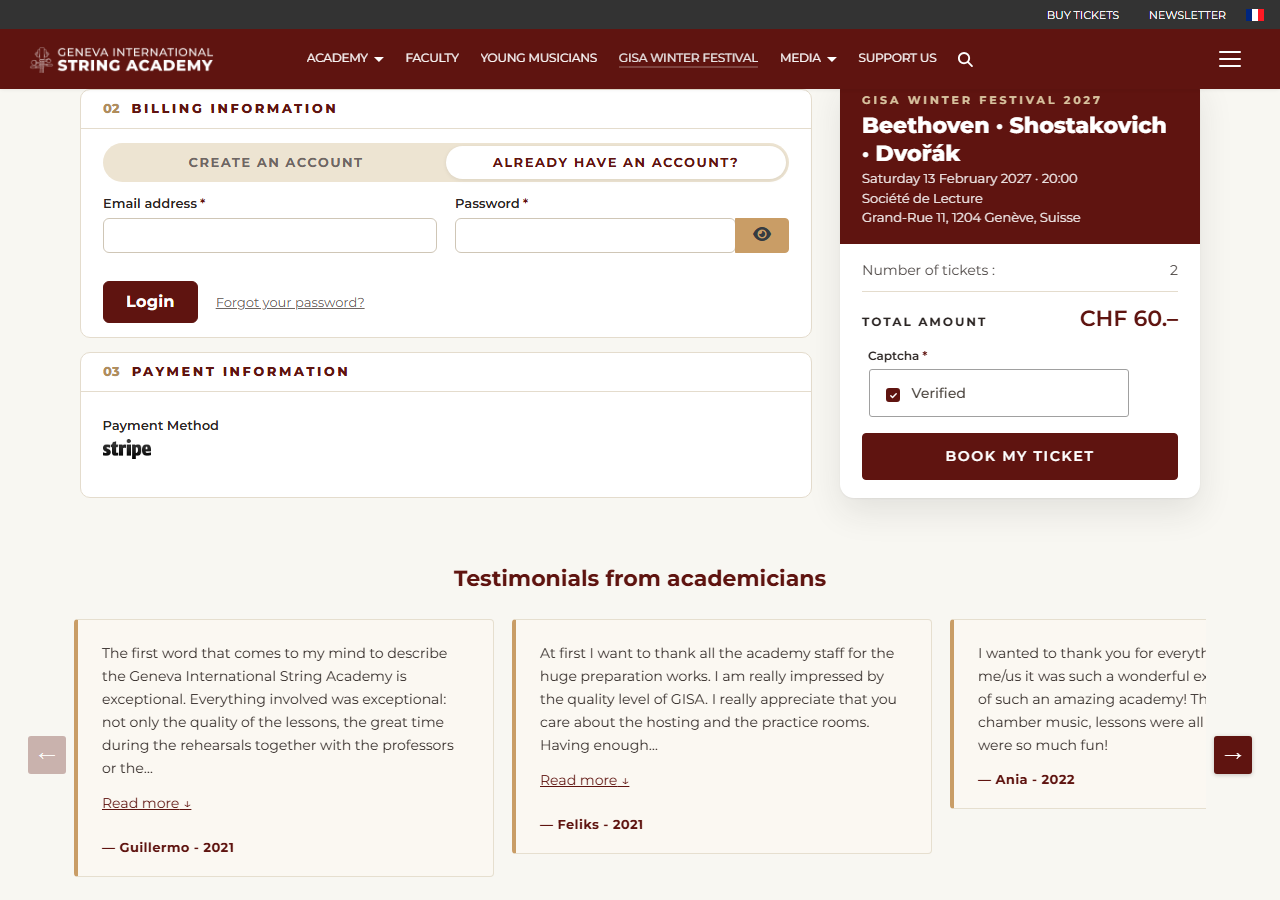
Already have an account? Click “Already have an account?”, enter your email address and password, then “Login”. Forgotten password: “Forgot your password?”.
5. Payment
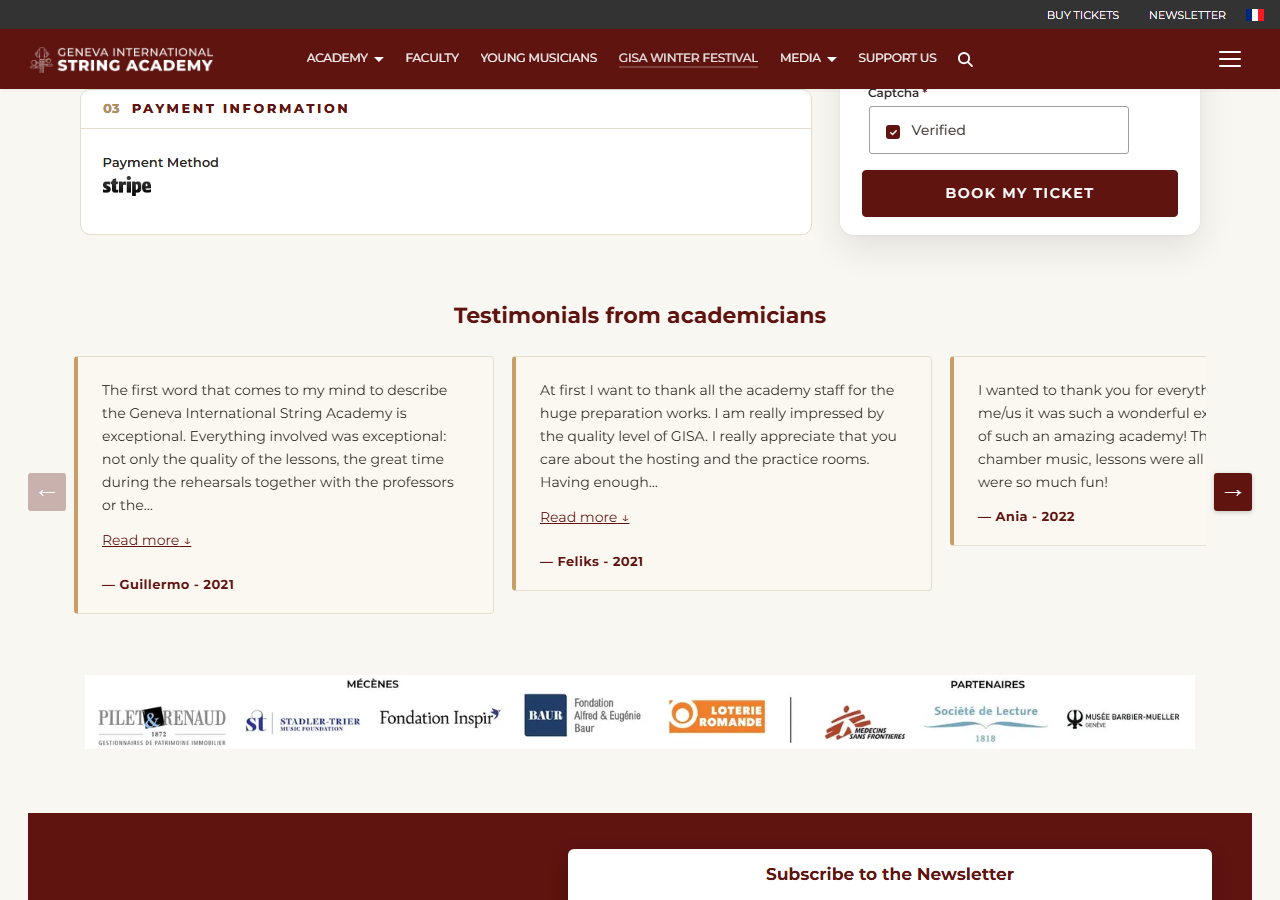
Under “Payment Information”, the payment method is Stripe. Check the number of tickets and the total amount, then click “Book my ticket”: you reach Stripe's secure payment page, where you pay for your order.
6. Your confirmation and your tickets
A confirmation message is displayed, and within a few minutes you receive a confirmation email with your ticket(s). Please present a printed or electronic copy of this email at the box office on the day of the concert.
You can also find your tickets in your account: open “My reservations” in the menu.
Having trouble booking? Contact us by clicking here.